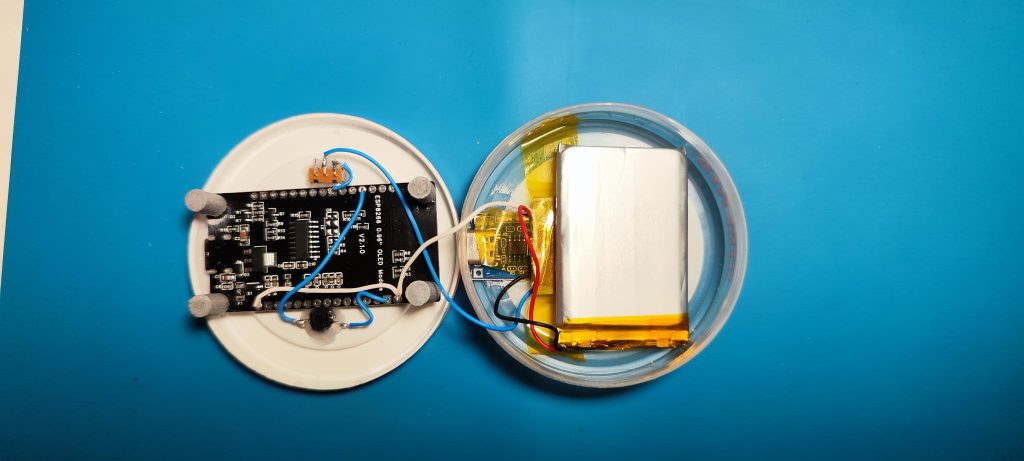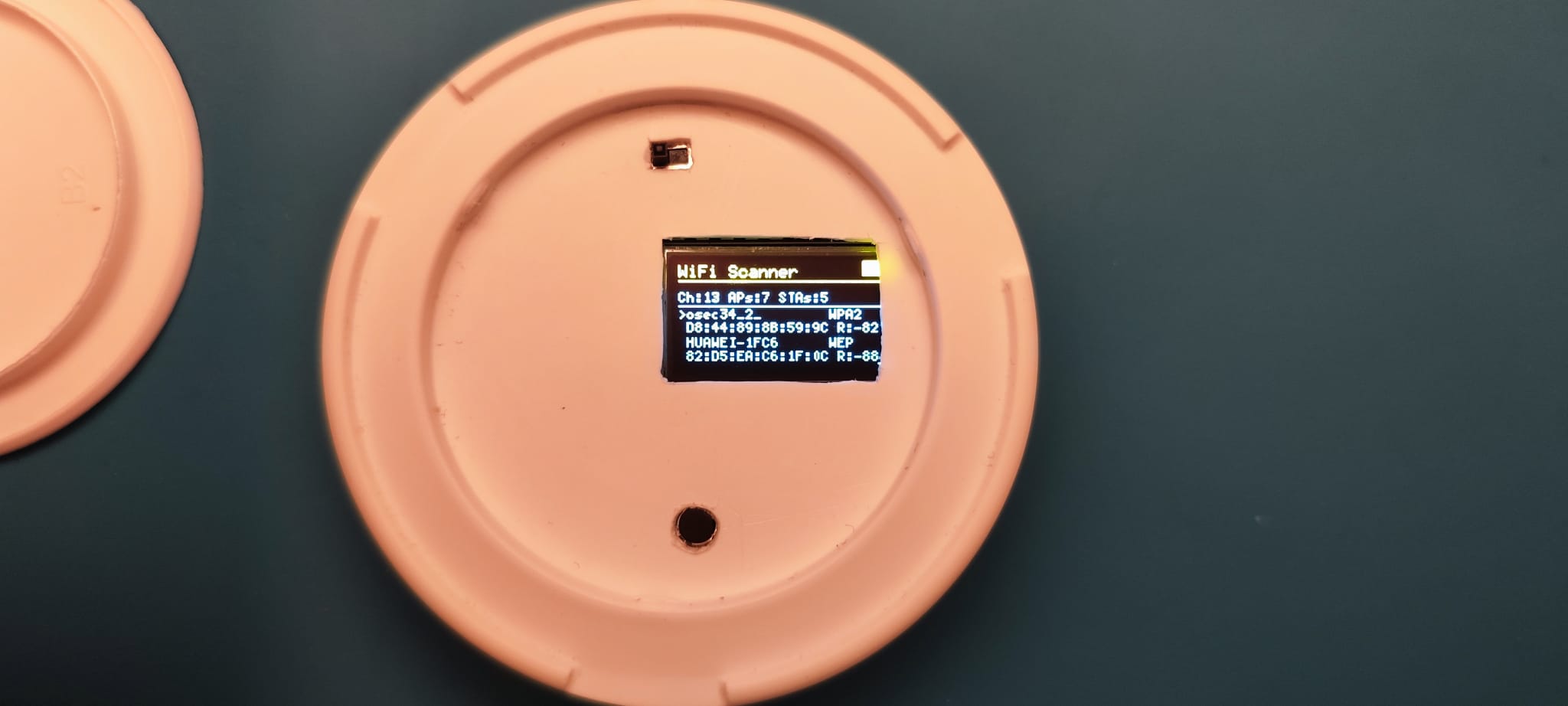

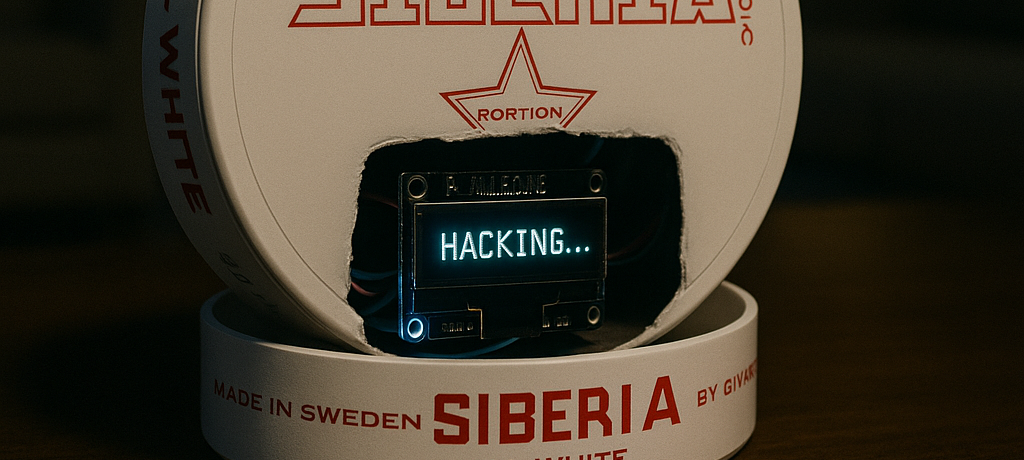
I recently finished a small but powerful project: Ozdag Attacker V2. It’s a WiFi testing tool I built using an ESP8266 board, a small OLED screen, and one button.
It’s designed to test the security of WiFi networks — only the ones you own or have permission to test.
What It Can Do
Ozdag Attacker V2 includes the following features:
- WiFi Scanner: Shows nearby networks and devices (SSID, signal strength, encryption, etc.)
- Deauth Attack: Disconnects devices from a network (for testing purposes).
- Beacon Flood: Creates lots of fake WiFi names.
- Evil Twin (Coming Soon): Will create a fake version of a real network.
- Rogue AP: Starts an open WiFi network with a fake login page.
What You Need
To build this project, I used:
- ESP8266 (NodeMCU or Wemos D1 Mini)
- OLED Display (SSD1306, 128×64)
- One Push Button
- Some wires
- (Optional) Battery for portable use
How to Use
- Build the Hardware: Connect the OLED and button to the ESP8266.
- Upload the Code: Use PlatformIO or Arduino IDE with the needed libraries.
- Power it On: You’ll see the Ozdag Attacker V2 logo on startup.
- Use the Button:
- Short Press: Move through the menu.
- Long Press: Select options or start/stop attacks.
- Choose a Module: Follow the instructions shown on the screen.
Important Note
⚠️ This project is for educational use only. Do not use it on networks that are not yours or where you don’t have permission. That would be illegal and unethical.